Today
A daily movement through one passage
Begin with the day’s Scripture and carry its central truth through study, formation, and remembrance.
Scripture-led devotionals
Understand, reflect, pray, and respond.
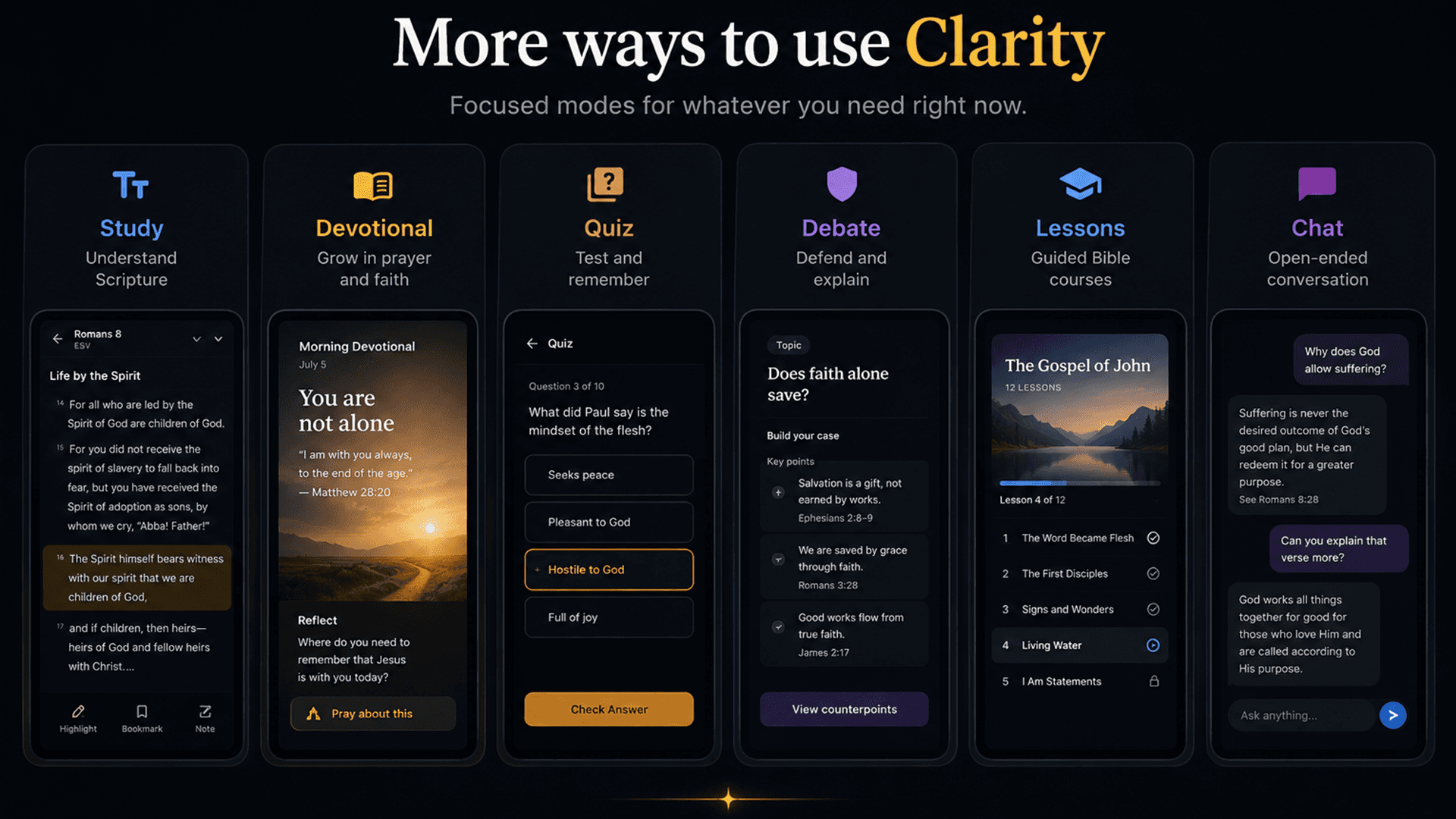
Clarity’s devotional experience opens a passage into a grounded reflection and, when appropriate, gives you words to pray in your own voice.
Free account. Your first AI answers are included. No credit card required.
Why Clarity is different
Clarity’s devotional mode is instructed to let the passage set the subject, name a faithful response, and give first-person words the reader can actually pray. It distinguishes pastoral guidance from pretending the app itself is praying or speaking for God.
What is actually in the app
Today
Begin with the day’s Scripture and carry its central truth through study, formation, and remembrance.
Reflect
Explore what the passage reveals about God, the heart, repentance, hope, relationships, suffering, or the faithful next step.
Pray
Prayer output is written in the reader’s voice as a help toward God—not presented as though the software itself is praying.
Examine & Confess
Use focused spiritual-formation actions for honest examination, repentance, making things right, and concrete obedience.
Why it matters
The devotional mode is not a generic encouragement generator. It is instructed to draw the reflection and response from Scripture, keep the prayer in the reader’s voice, and distinguish guidance from prayer.
Reflect on the actual heart of the text instead of attaching a verse to a prewritten sentiment.
Receive first-person words that help you respond to God rather than watching the app perform a prayer for you.
Move through study, reflection and prayer, then a quiz on one passage.
How it works
Begin with Scripture, not a mood or engagement prompt.
Let the text name what it reveals about God, us, and faithful response.
Pray the response and carry the passage into the day.
Especially useful for
Browse full Clarity answers with the Bible passages beside them. When you have your own question, ask it in the app.