Live search
Searches when the question needs it
Current events, shared links, exact quotes, and facts about living people or organizations prompt a search. Bible explanation and theology do not.
Christian research & news
Clarity checks the web, grounded in Scripture.
Ask what a church leader said today, share a link, or verify a quote from a church father. Clarity searches the web when your question needs it, cites its sources, and brings what it finds back to Scripture.
Free account. Your first AI answers are included. No credit card required.
Why Clarity is different
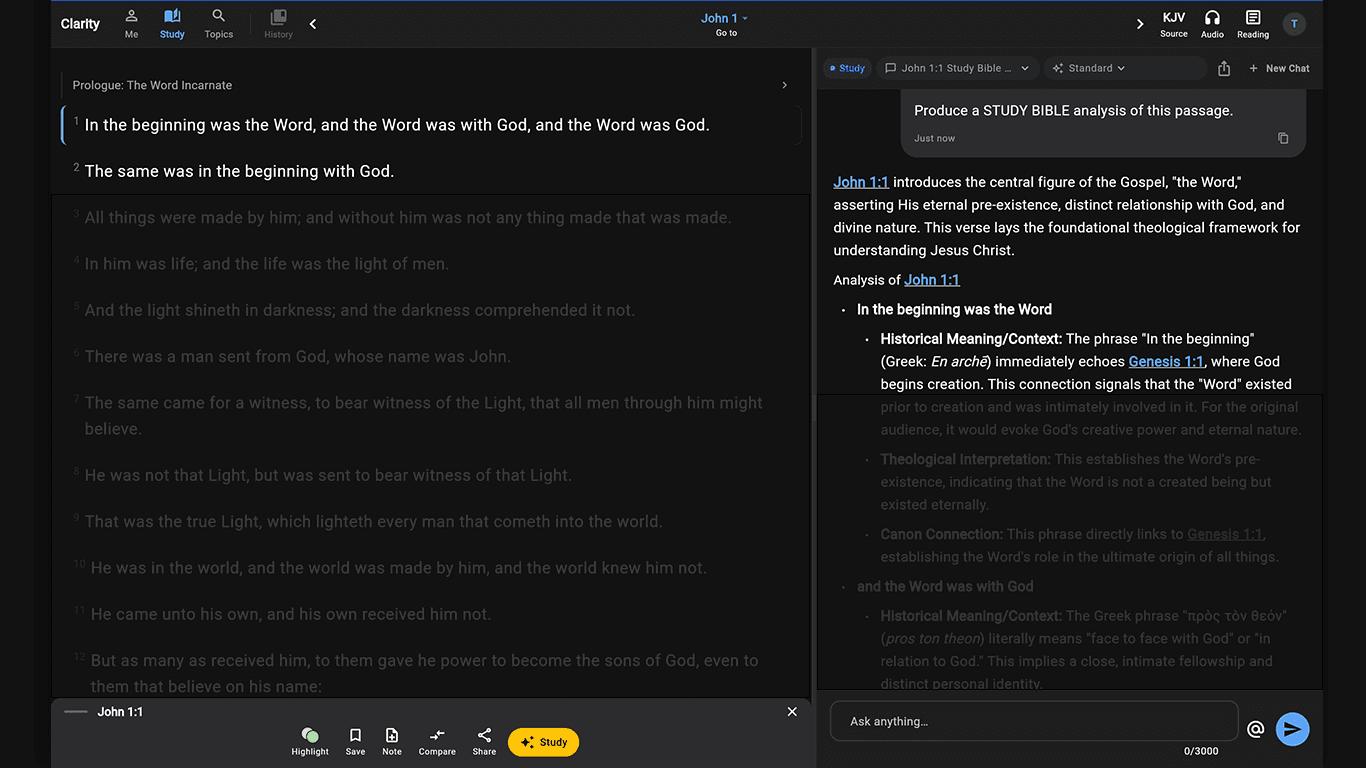
A general search assistant summarizes the news. Clarity reads it as a Bible study tool: it quotes only what a source actually says, keeps reporting separate from interpretation, and brings the finding back to Scripture and your tradition.
What is actually in the app
Live search
Current events, shared links, exact quotes, and facts about living people or organizations prompt a search. Bible explanation and theology do not.
Sources
Web citations appear inline and beneath the answer, so you can read the original article or document.
Scripture
Findings are tied to the passages that speak to them, and those references open in the Bible pane.
Your choice
Web search is on by default and can be switched off in Response settings.
Why it matters
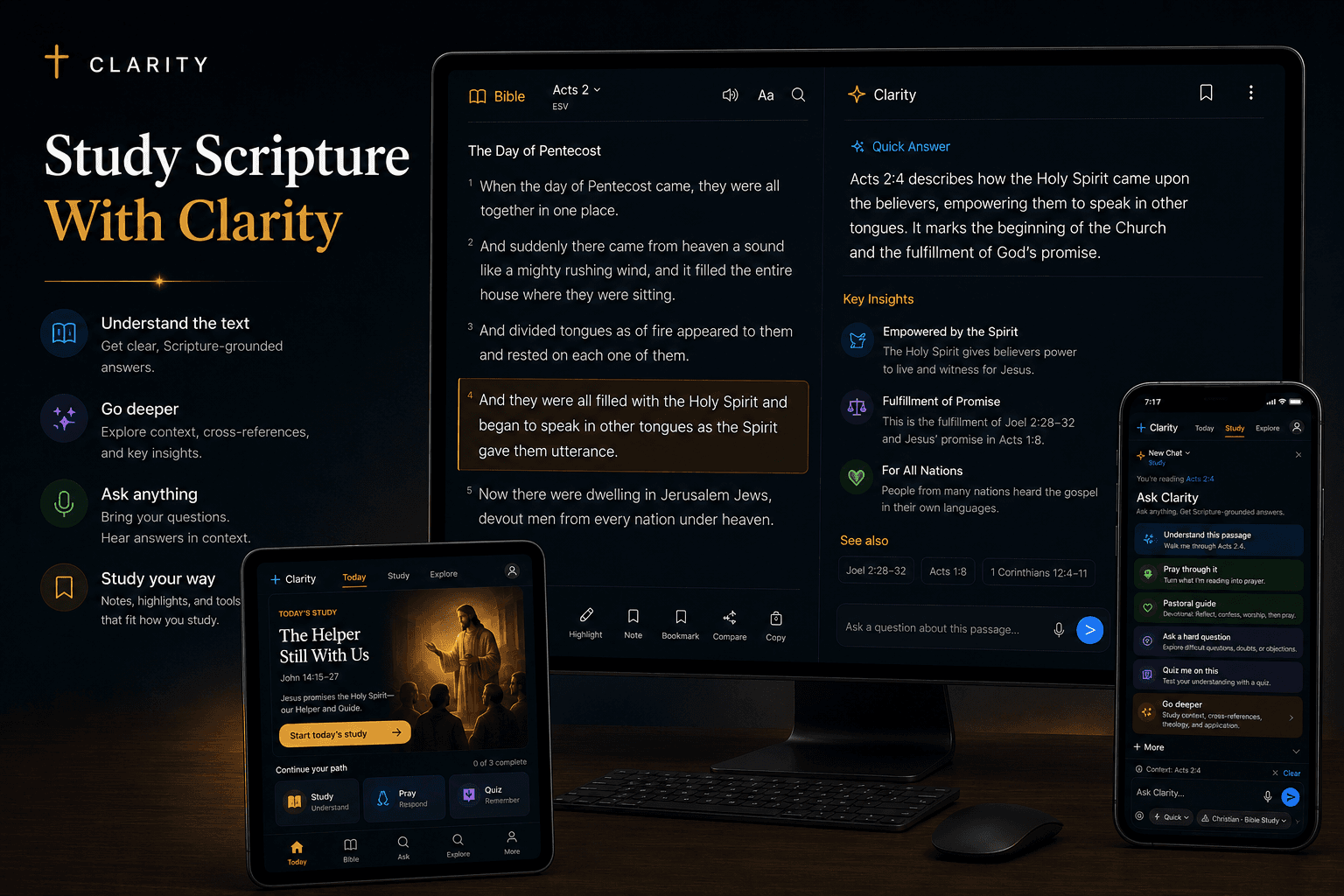
Clarity searches only when a question depends on current or checkable facts. Bible questions are answered from the Scripture already in your study, and every web finding comes with a source you can open.
Ask what is happening in the Church this week and get a sourced summary read through Scripture and your tradition.
Paste an article, statement, or announcement and ask what it says and how it lines up with the Bible.
Check the wording and source of a quote attributed to a church father, saint, council, or catechism before you repeat it.
How it works
Ask about a headline, paste a link, or name the quote you want to check.
You will see “Searching the web…” while Clarity finds and reads the sources.
Open the cited pages and the Scripture behind the answer to see the evidence for yourself.
Especially useful for
Browse full Clarity answers with the Bible passages beside them. When you have your own question, ask it in the app.
Common questions
No. Clarity searches when a question depends on current events, a shared link, an exact quote, or facts that may have changed. Questions about a Bible passage or theology are answered from Scripture and Clarity's study context without a web search.
Yes. Web search is on by default and can be switched off in Clarity's Response settings.
Yes. Web search works during the free trial and with a Clarity+ subscription.
Clarity links the pages it relied on inside the answer and lists the sites underneath it, so you can open the original article or document.