Generate
Start from the subject you actually need
Request a plan on a book, passage, doctrine, prayer practice, biblical character, sermon theme, or other study goal.
Structured Bible lessons
From personal study to a group, class, or sermon.
Clarity can turn a passage or topic into a structured lesson with Scripture, teaching movement, questions, and practical next steps for personal growth or teaching.
Free account. Your first AI answers are included. No credit card required.
Why Clarity is different
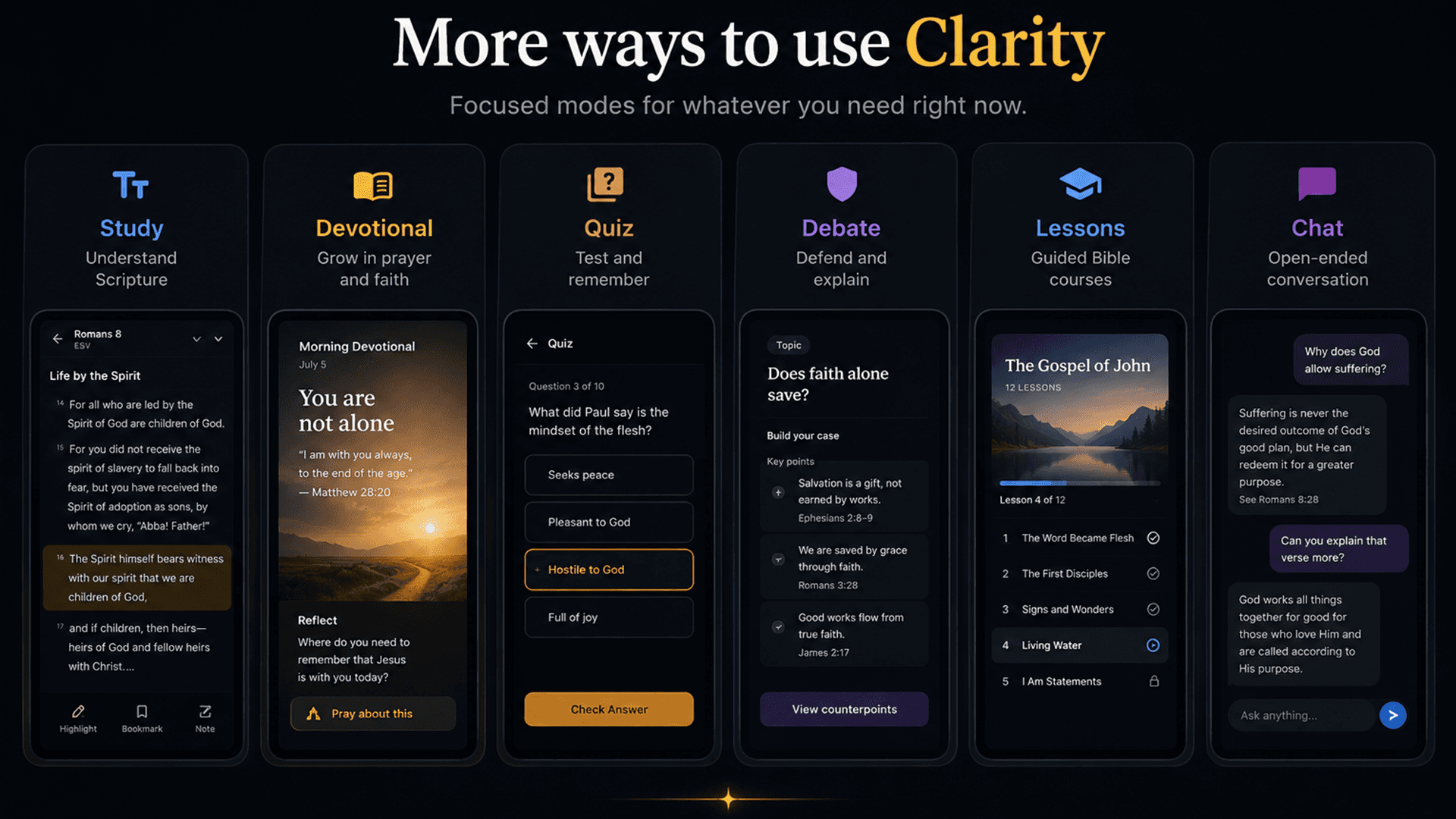
Clarity generates an ordered curriculum with a biblical center, a governing principle, daily movements, readings, intentions, and progress. Each day opens as a real study session, with Scripture context and the ability to ask follow-up questions.
What is actually in the app
Generate
Request a plan on a book, passage, doctrine, prayer practice, biblical character, sermon theme, or other study goal.
Curriculum
The generated structure carries a title, principle, and connected days with their own readings and study intentions.
Study sessions
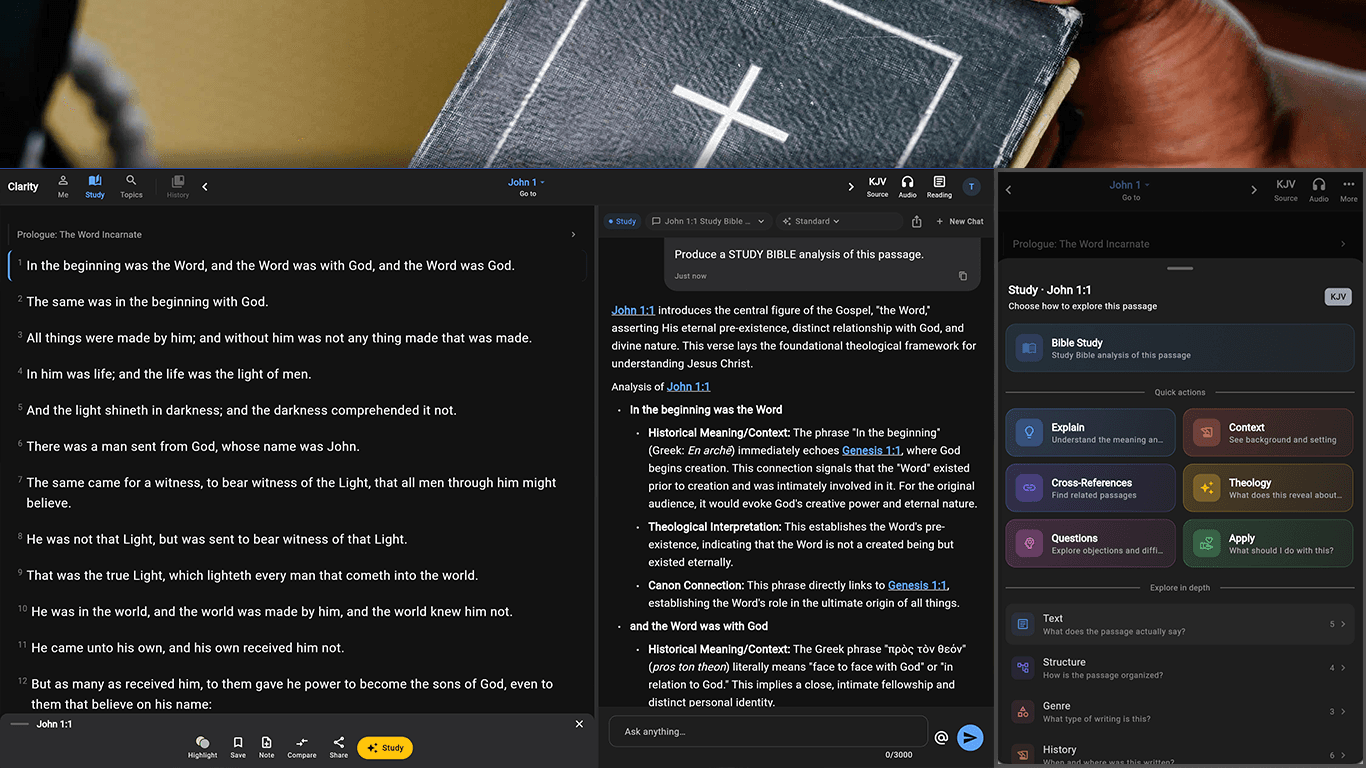
A day enters the same chat-and-Scripture workspace as the rest of Clarity, preserving its lesson context across follow-ups.
Notes & progress
Continue incomplete days, attach notes to the plan or a specific day, and return to the curriculum later.
Why it matters
Lesson generation is a distinct workflow with editable plans and saved material—not a chat answer relabeled as a curriculum.
Anchor the lesson in a passage or biblical theme before building the teaching structure.
Prepare for personal study, a small group, a class, teaching, or sermon work.
Refine the generated structure and return to saved lesson material later.
How it works
Give Clarity the biblical center of the lesson.
Shape the material for the audience, setting, and time available.
Edit the structure, inspect Scripture, and prepare the final lesson.
Especially useful for
Browse full Clarity answers with the Bible passages beside them. When you have your own question, ask it in the app.
Common questions
Yes. Lesson structure can be shaped for personal study, small groups, classes, teaching, or sermon preparation.
Yes. Lessons are generated as structured material you can review and refine before using.